DeliciWeb  3
3
You may have read about my love for Delicious Library in the past and now I’m mildly pleased to say I can share that love. Or, to put it another way, I can export my library for you all to peruse thanks to DeliciWeb.
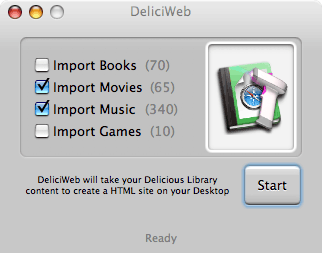
DeliciWeb is a free app that’s easy to use - its main screen is decidedly straightforward:
The preferences screen is also simple to use and understand with some advanced options also available:
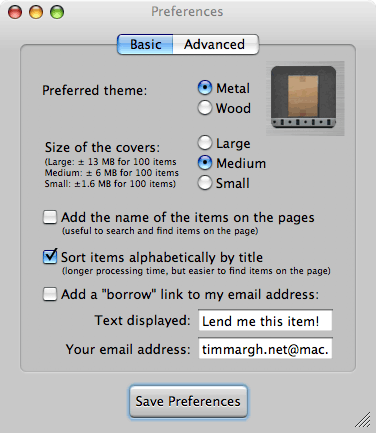
The only drawbacks I can see are the fact that the main app window wouldn’t respond to the mouse (i.e. I had to select options and start the export using the keyboard) and the HTML produced uses frames and a table based layout, but for something that’s free I’d be churlish to complain.
I’d seen and tried DeliciousExporter a while ago but wasn’t too keen - it’s easy to use and the results are certainly impressive, but it just wasn’t for me.
Have a look at the two versions of my library: DeliciWeb and Delicious Exporter.
I have removed the two exported versions of my library because of excessive hotlinking by other sites that was eating up my .Mac bandwidth.
 I’ve tried delicious library before, It’s a cute app, with a super clean aqua interface, which should be an example standard for all Mac OS X apps, but I just can’t find any practical use for it, so I didn’t buy it. - LobsterMan
Personally I prefer the output from exporter, but thats just cos I hate framesets :o)
I was very shocked to see the Charlies Angels soundtrack in your collection tho… I really expected better from you ;o) - Andyk
Ah, yeah, erm …
* checks iTunes *
It’s only the one track: "Feel Good Time" by Pink. - Timmargh
Comments