Delicious Library  4
4
 I bought Delicious Library the day it was released … whenever that was - last year I think. I tinkered with it for a bit but then got bored of manually entering all my DVDs, CDs and books.
If you’re in the dark: Delicious Library is a Mac OS X application that lets you catalogue your films, music and literature. There are several ways to add your possessions: manual entry or scanning the item’s barcode using an iSight or Delicious Monster’s own Bluetooth scanner. Since I have neither an iSight or barcode scanner I can only add my stuff manually either by typing in the title or barcode number of the DVD/VHS/CD/book and, after a short while, got very bored of this.
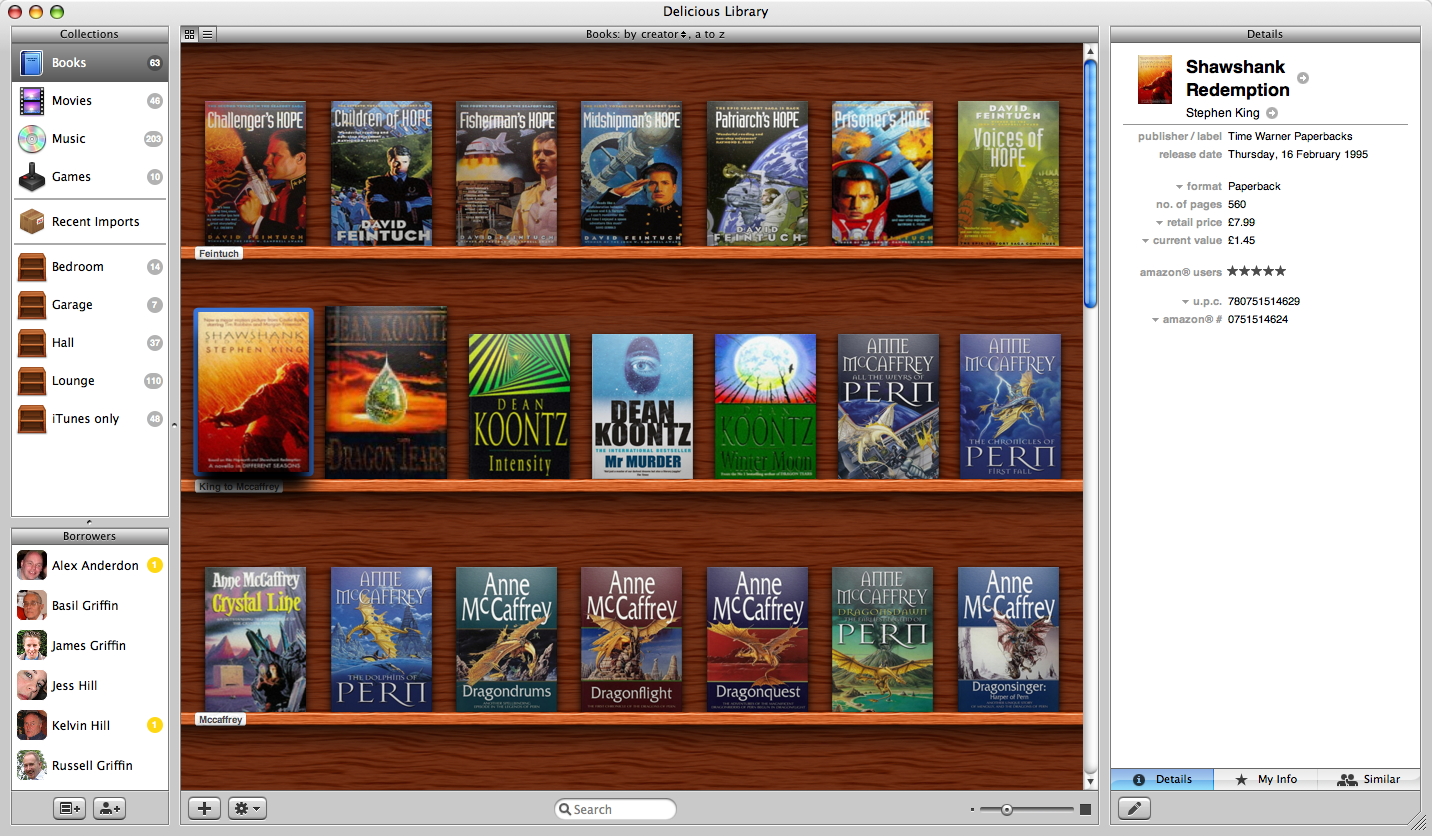
That is until I discovered that you can add stuff via drag-and-drop: if you do a search in Amazon, e.g. for Faith No More (I have all of their albums), you can drag the album’s cover art (i.e. the picture of the CD cover) onto Delicious Library’s window and drop it - the app extracts the hyper-link, looks the item up in the Amazon database and adds it to the appropriate section of your catalogue. This works for everything that the Library can handle, i.e. CDs, DVDs, VHS’s and books, and pertinent information about the item is added along with it such as a review, publish date or track listing:
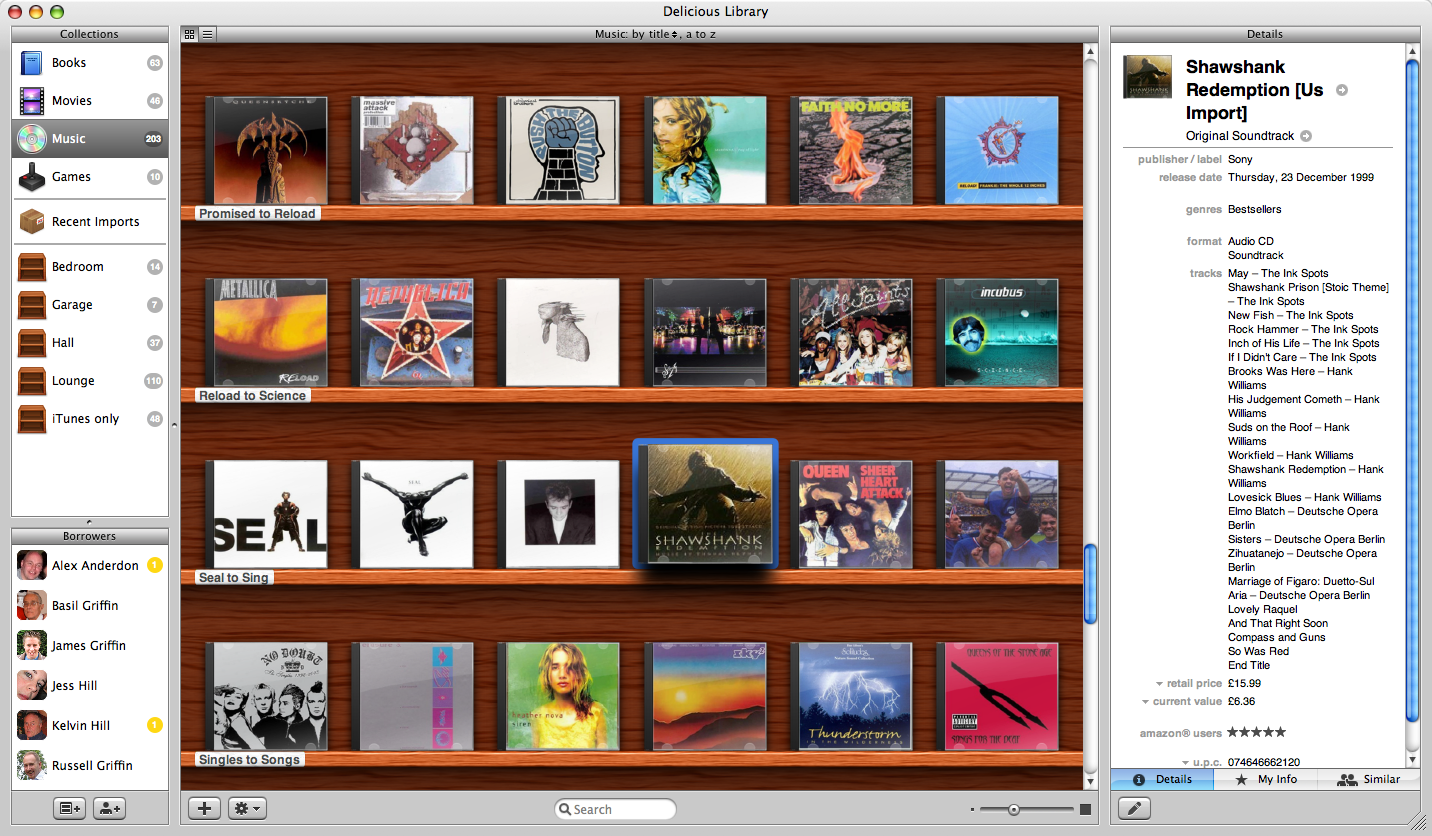
So, armed with this new information, I managed to catalogue my entire collection in about 30 minutes - all I needed was an iTunes window open in the background to remind me what CDs I own and an occasional glance at my bookcase, which also holds my DVDs.
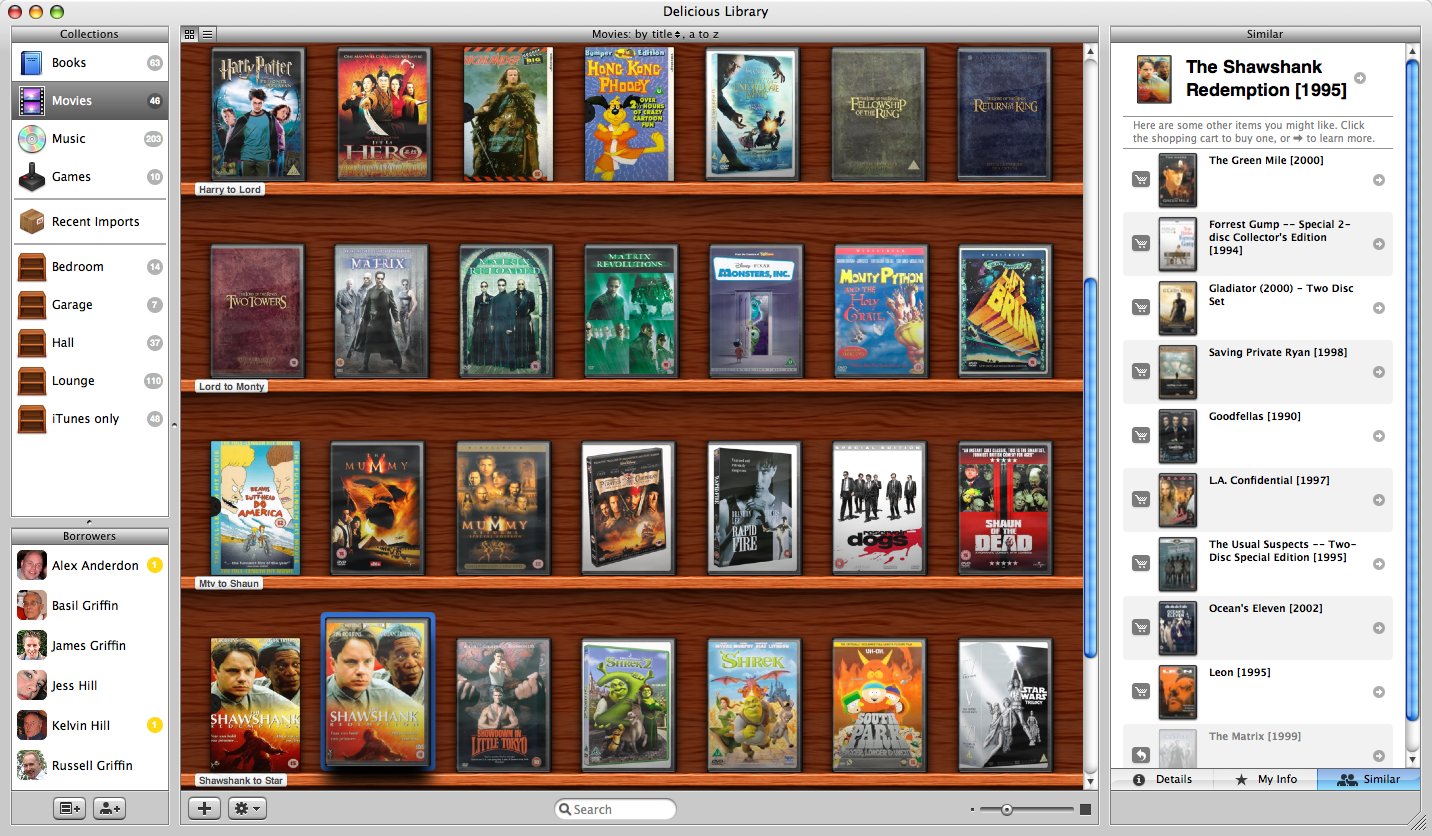
Features include the ability to organise items into collections so you can keep track of what’s stored where (e.g. in the lounge, bedroom etc.) and a list of similar items to the one selected in your catalogue (which you can select to be added to your Amazon shopping cart):
An excellent feature is the ability to keep track of what’s been loaned out: you can add people from Address Book to the Library and then drag any item onto that person - it is added to their profile and a return date added to the “Library Loans” calendar created in iCal (it does this the first time you loan something out). You can adjust the return date to suit, but you can’t set it as ‘indefinite’ which is mildly annoying.
All in all this is an excellent application that looks gorgeous and works well — there were a few annoying bugs to start with, but these seem to have been ironed out. Spotlight integration was added when OS X 10.4 Tiger came out along with a Dashboard widget:

 Why can’t windows have cool apps like this, and apps that integrate like this too! Damnit, if I had money, i’d have a mac! - SoulSniper
Much more attractive than my Excel spreadsheet booklist!
Damn you Mr. Gates! - gimpy mumpy
Answer = Mac Mini :^D - MHC
It does rate very high on the cool scale.
:^) - Timmargh
Comments